ReSpindle
by
Gamow Tech
ReSpindle by Gamow Tech
News How to Start Oocyte Spindle
Research Network
OSRN Library Worldwide Network Team Tutorial Contact

Tutorial

A copy of the analysis page, block by block, with a short note for every numbered control. The copies show the passive polarizer page; differences of the active polarizer page are marked active page.

Block 2

Video input

Choose how the clip gets to ReSpindle; the Patient ID and the oocyte numbering are set in the same form.

Input options

8
Decision support only, not for autonomous clinical decision-making.
Gamow Tech may use anonymized data for AI improvement.
Do not use protected health information.

Oocyte Spindle Assessment

Oocyte and spindle detection from bright-field videos.

9📁

Upload Video File

Select a pre-recorded oocyte video

10📺

Screen Capture

Record 10 seconds from microscope window

11📷

Camera Capture

Record 10 seconds from microscope camera

8
Disclaimer

Decision support only. No protected health information anywhere on the page.

9
Upload Video File

A saved clip, max 50MB.

10
Screen Capture

Records the microscope window. Make the live image as large as you can. active page the recording is scaled to Full HD.

11
Camera Capture

Records from the microscope camera.

Working area: file upload

12
🎬
Drag & drop video file here
or click to browse (Max 50MB)
13
14
15
16
17set the oocyte number by hand
18
0/200
19
Patient P-2026-041: next oocyte P-2026-041-03
20 21

Results

Results will appear here.
12
Drop zone

Drag the file here or click to browse.

13
Patient ID

Optional, max 26 characters. Groups the oocytes of one patient in the history and in cycle reports. No names.

14
Remember patient ID for next analysis

Keeps the Patient ID for the following analyses until you change it or untick. Per login, in this browser.

15
Oocyte ID

Optional, max 30 characters. Printed on the report.

16
Manual / Automatic numbering

Automatic fills in the Patient ID plus a number, P-2026-041-01, P-2026-041-02 and so on, continuing after the last number used for that patient. You can always type your own ID.

17
- / +

Set the number by hand.

18
Notes

Optional, max 200 characters. Printed on the report.

19
Filing note

How the next analysis will be filed.

20
Run Detection active page: Analyze Morphology

Starts the analysis, a few seconds to half a minute. Every run goes to the history.

21
Back

Returns to the input options.

Working area: screen or camera capture

22
Live preview of the shared window or camera
10s
23
set the oocyte number by hand
0/200
Patient P-2026-041: next oocyte P-2026-041-03
24 25

Results

Results will appear here.
22
Live preview

What will be recorded. Get the spindle in focus first. The counter shows the seconds left.

23
Select camera

Camera capture only.

24
Record 10 sec video

Records 10 seconds and sends the clip to analysis. active page a duration slider (5 to 15 seconds), then Start Recording, Stop, Send to Analysis.

25
Stop / Change source

Back to the input options. active page called Back.

Block 3

Result

The score and the images it was read from, shown for both pages.

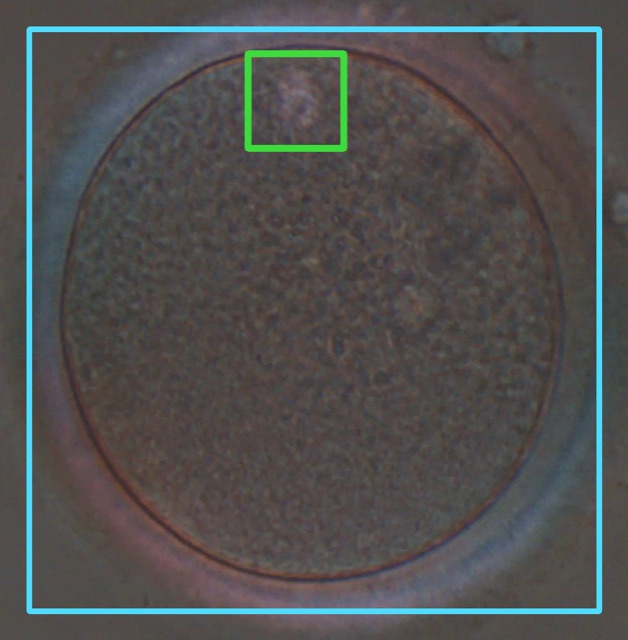
Scored clip, passive polarizer page

Results
26
Spindle Morphology Score
A-
Score A-
Score A, close to the B boundary
Favourable spindle morphology pattern. The detected spindle appears well-organized and clearly defined.
27Score confidence: reduced. The measurement in this clip was less reliable than usual. A new recording of the same oocyte may give a better result.
28
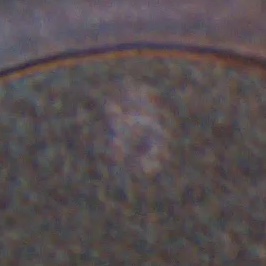
Oocyte crop
Oocyte crop
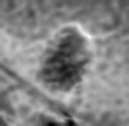
Spindle crop
Spindle crop
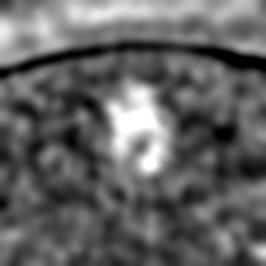
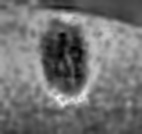
Spindle crop (enhanced)
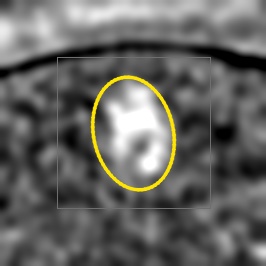
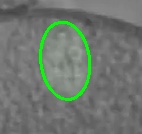
Spindle outline
Spindle outline
29
26
Spindle morphology score

A favourable, B intermediate, C unfavourable. Decision support, not a diagnosis. A modifier such as A- or C+ means the measurement is close to the next category; the grade stays A, B or C.

27
Score confidence

Reduced: this clip was less reliable than usual; a new recording may give a better result.

28
Images

Oocyte, spindle, spindle with enhanced contrast, spindle outline.

29
Download PDF report

A one-page report of this analysis.

Scored clip, active polarizer page

Results
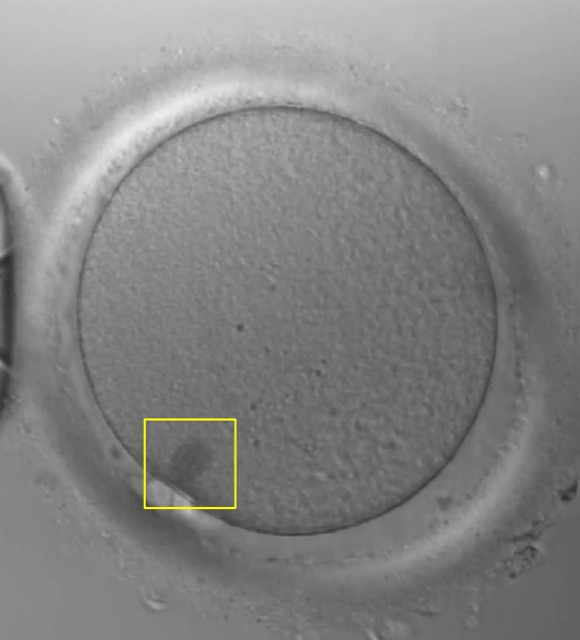
30
Spindle Morphology Score
A
Score A
Favourable spindle morphology pattern. The polarimetric signature suggests well-organized microtubule architecture.
31
Oocyte
Oocyte
Boundary fit
Boundary fit
Polarimetric signature
32
30
Spindle morphology score

The same A, B, C, without modifier or confidence line.

31
Images

Oocyte, boundary fit, polarimetric signature. Click to enlarge.

32
Download PDF Report

A one-page report of this analysis.

Clips without a score

Findings without a score (passive page) and the failure state of each page.

Results

33
Finding
Spindle not detected
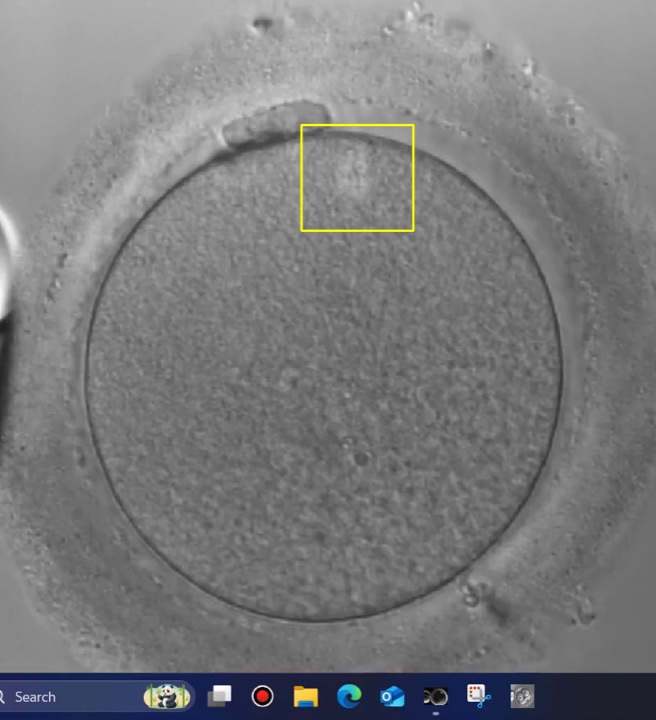
An oocyte was found in this clip but no spindle could be located, so no score was assigned. This is a finding about the clip, not a system error. Re-focus on the spindle region and record again.
Oocyte crop
Oocyte crop

Results

34
Finding
Oocyte not detected
No oocyte could be located in this clip, so no score was assigned. This is a finding about the clip, not a system error. Check that the oocyte is centred and in focus, then record again.
35Passive polarizer server is not responding.
36
⚠

Analysis incomplete

The system could not detect and analyze a meiotic spindle in this video.

  • Center the oocyte in the field of view
  • Verify optimal focus and lighting
  • Enable polarized light mode
  • Record 10-30 seconds of stable video
  • Minimize stage movement during capture
33
Spindle not detected

A finding, not an error, and not charged. Only the oocyte crop is kept (View in the history). Re-focus and record again.

34
Oocyte not detected

A finding, not charged, nothing stored. Centre and focus the oocyte, then record again.

35
Failure (passive page)

The analysis did not complete; not charged. If it repeats while the server looks fine, use the support block (4).

36
Analysis incomplete (active page)

No spindle could be measured, or the server did not answer. Follow the tips and record again.
Block 4

Analysis history

Every analysis of your clinic account on this page, newest first; the active and passive lists are separate.

Analysis History

3738View mode:
39 40
45
Showing 3 of 128 analyses
46 47Date: 2026-09-08
48Time (UTC)FilePatient IDOocyte IDResultNotes49Report50Hide result
2026-09-0814:41P-2026-041-03.mp4P-2026-041P-2026-041-03Score A-reduced confidenceday 0
2026-09-0814:38P-2026-041-02.mp4P-2026-041P-2026-041-02Spindle not detected
2026-09-0814:33P-2026-041-01.webmP-2026-041P-2026-041-01Score C
1 / 7
37
History settings

Export CSV, Clear History and the hidden-row tools.

38
View mode

By patient: one line per Patient ID, click the arrow to expand. Flat list: the plain table.

39
IVF Cycle PDF Report

One report for several oocytes; see block 5.

40
Report options

The clinic name printed on reports, which details each oocyte section prints, and the Reported by / Verified by lines. The same settings appear in the report dialog.

41
Export CSV

The whole history as a spreadsheet file.

42
Clear History

Deletes the rows; cannot be undone. Use Hide to just get rows out of sight.

43
Show hidden

Lists the hidden rows; pick it again to return.

44
Unhide all

Brings every hidden row back.

45
Row count

Shown rows out of all rows while a filter is active.

46
Search

Oocyte ID, notes, Patient ID or file name.

47
Date filter chip

Clear removes the date filter.

48
Date (UTC) header

Opens a calendar to show one day only. Search by date opens the same calendar. All times are UTC.

49
Report column

PDF rebuilds the report of that row. View shows the oocyte crop of a "Spindle not detected" clip. Greyed out: no score or no images.

50
Hide result

Hide takes a row out of the list and out of cycle reports; Unhide brings it back. Nothing is deleted. Hiding applies to the whole clinic account.

Block 5

Cycle reports

One PDF for several oocytes, from the dialog behind IVF Cycle PDF Report (39) or from a patient group.

By patient view

P-2026-041
3 oocytes, 2026-09-08
A 1, B 0, C 1, not detected 1
51
51
PDF report for this patient

Opens the report dialog for that patient.

The report dialog

52
Cycle name

Optional, max 30 characters. Printed in the header and used in the file name.

53
Reported by / Verified by

Optional sign-off lines with a space for a signature. Type the name or leave it blank to write by hand. Remembered for your login.

54
Oocyte list

Tick the oocytes to include. The order of ticking is the order in the report (1st, 2nd, 3rd). Hidden rows are not offered.

55
Generate PDF

Builds and downloads the report with its signed QR code.

Block 6

PDF reports

Single-analysis and cycle reports share the same layout.

56
ReSpindlebyGamow Tech
Oocyte Spindle Morphology Assessment
Generated 2026-01-15 12:00 · 4 oocytes
Demo Clinic
Demo cycle
REPORTED BYEmbryologist nameSignature
VERIFIED BYSignature
57
AFavourable spindle morphology
Oocyte IDOocyte-01
Date and time of analysis2026-01-15 10:12:00
Patient IDPatient-A
NotesExample note
AFavourable spindle morphology
Oocyte IDOocyte-02
Date and time of analysis2026-01-15 11:17:00
...
58

The overall score is derived from a proprietary multi-parameter algorithm. The full parameter list is intellectual property of Gamow Tech. Decision support only, not for autonomous clinical decision-making.

Page 2 of 2
Scan to verify at respindle.com
56
Header

Clinic logo (or clinic name), ReSpindle wordmark, report title, date and number of oocytes, clinic name, cycle name, then the sign-off lines if switched on. The page takes the background colour of the logo.

57
One section per oocyte

Grade and the chosen details at the left, images at the right. Passive page: up to four labelled crops; active page three images.

58
Footer

Page number and the QR code. Scanning it opens a public page on respindle.com that confirms the report came from a ReSpindle clinic and shows the date, clinic, number of oocytes and grades. No IDs, notes or images.

Sample reports

Active polarizer page IVF cycle report, 4 oocytes Open PDF Passive polarizer page IVF cycle report, 5 oocytes Open PDF